
General Motors is introducing a completely redesigned in-vehicle user interface for the 2027 Chevrolet Silverado and GMC Sierra, putting greater emphasis on easier navigation, trailering, smartphone integration and customizable displays.
The new software is designed as a scalable framework that can be adapted across GM vehicles, but the redesigned Silverado and Sierra pickups will be the first to receive it. GM says the system is intended to reduce the need for drivers to search through menus while keeping commonly used functions readily accessible.
A New Home Screen Built Around Ease of Use
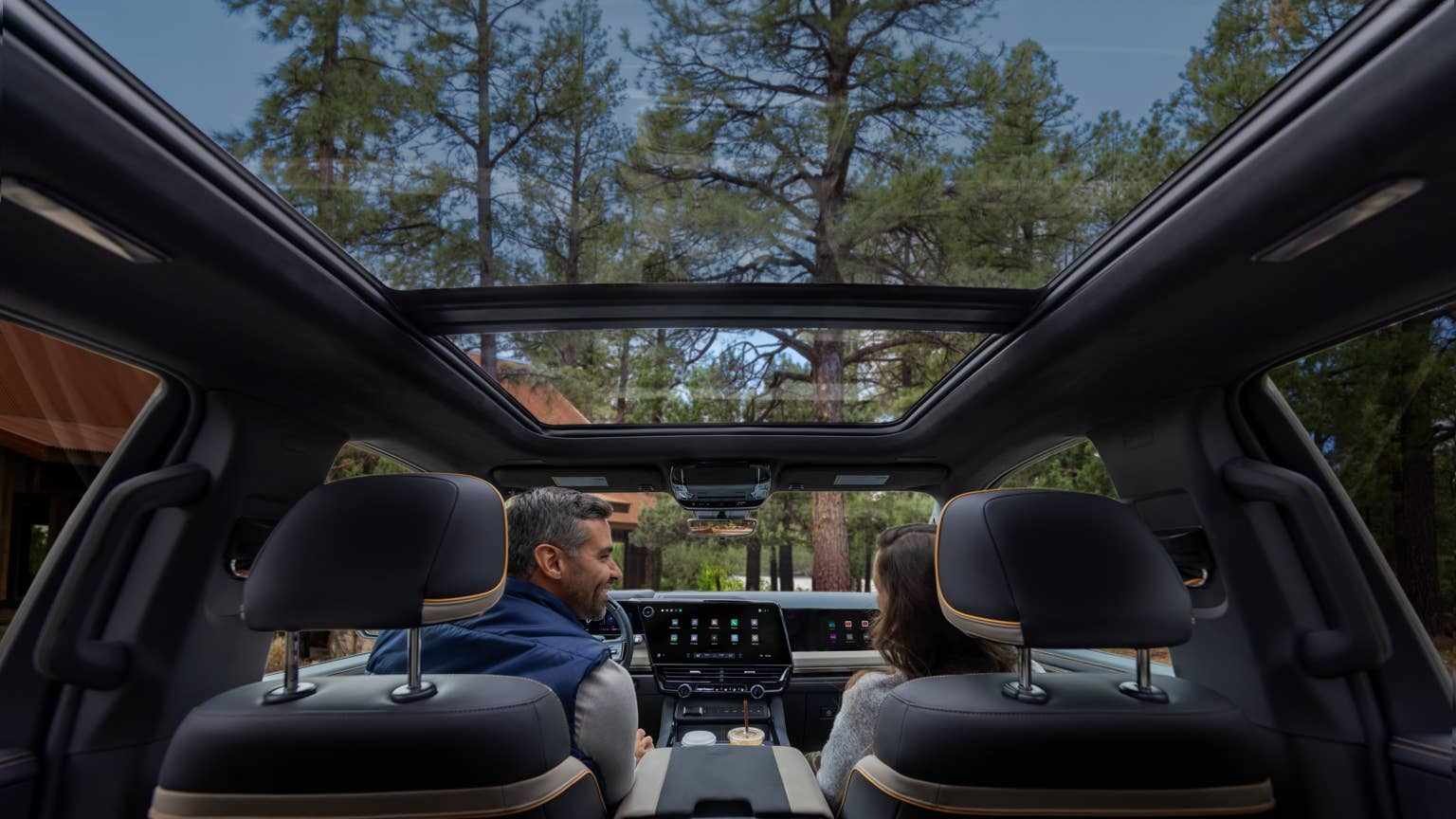
The redesigned interface replaces the traditional grid of app icons with a custom split-view home screen. It places a large, fully interactive Google Maps window next to a smaller editable card that can display audio, vehicle status, trailering information or other functions.
“We don’t drop you into an app launcher […],” GM group product manager Colin McCormick told Autoblog. He said the goal is to give drivers a reliable and familiar place to land whenever they start the vehicle rather than forcing them to decide which application to open.
The smaller cards and map can be tapped to expand into their full experiences through an animated transition. The notification tray follows a similar approach, with a swipe-down interface that McCormick compared with the notification shade on Android and iPhone devices.
The tray includes configurable quick toggles for functions such as muting the microphone and switching driver profiles, along with phone, message and third-party app notifications.
The Instrument Cluster Changes With the Drive
The instrument cluster can now change its entire layout depending on what the driver is doing. Available views include a standard gauge display, a minimalist speedometer-focused layout, dedicated trailering and off-road views, and a new 3D visualization.
The 3D view shows what the vehicle’s sensors are seeing, including other vehicles, pedestrians, crosswalks and lane markings.
The visualization works whether or not Super Cruise is engaged, but GM designed it with hands-free driving in mind. GM says customers have now logged more than a billion miles on Super Cruise, and the team found that some drivers can feel uneasy when first taking their hands off the wheel.
“For the sake of confidence in the system, they want to see what the vehicle’s seeing,” McCormick said. “This is the one I use most of the time now.”
Trailering Gets a Dedicated Experience
Trailering is a major focus of the new interface. When a trailer is connected, the system automatically adapts, providing a dedicated cluster view and a trailering card on the center display that can track brake gain and tire pressure when the trailer is equipped for it.
Google Maps also provides trailer-aware routing that considers height and weight, helping direct drivers away from low overpasses.
McCormick said the system is designed to eliminate setup for returning truck owners. Previously, drivers had to manually enter trailer information, but saved trailer profiles can now transfer through a GM profile when the trailer is connected.
The hardware also receives new trailering features. A dedicated hitch-view camera helps drivers line up a trailer without a spotter, while underbody terrain cameras provide visibility beneath the truck when driving on difficult trails.
Owners can also use a mobile app feature to perform a complete trailer light check, including the brake, turn signal, reverse and running lights, directly from their phone.
Phone Calls Stay Out of the Way
GM also redesigned how incoming calls appear on the display after customer feedback showed that calls could previously take over the entire screen.
With the new system, an incoming call appears in a smaller window. Once answered, the call remains as a small persistent icon and timer at the top of the display, allowing navigation, music or a trailering view to remain visible.
“You shouldn’t be abruptly taken out of whatever you’re doing just because you got a phone call,” McCormick said, adding that the issue repeatedly surfaced during customer research, particularly among drivers towing trailers.
The experience is not yet identical across every connection type. Android Auto benefits from deeper native integration because both systems run on Android, while Apple CarPlay calls do not yet integrate with GM’s native dialing experience in the same way.
McCormick said GM wants to improve that inconsistency and is continuing discussions with Apple and Google so drivers do not have to think about which connection type they are using.
Apple CarPlay and Android Auto Become Part of the Interface
Instead of forcing drivers to choose between GM’s native system and smartphone projection, the redesigned interface incorporates Apple CarPlay and Android Auto into the overall experience.
Mike Wahlstrom, GM’s Executive Director for Product Management Connected Apps and Services, said customers value the user-focused experience of CarPlay and Android Auto while also wanting quick access to vehicle functions.
The projected systems occupy the same large card normally used for native navigation, leaving space for important vehicle controls. Music controls, full-screen navigation and other projected content are designed to blend with the visual language of GM’s built-in applications.
“As we evolve our UI systems, we want customers to feel like they’re interacting with a single experience rather than moving from room to room inside a house,” Wahlstrom said. “It’s more of a curation of experiences, and it removes the mental load for a driver to decide where to go next, which experience to use next. It’s much more intuitive and clean.”
Higher-Trims Add a Passenger Display
Higher-trim trucks will offer a dedicated front passenger display hidden behind an articulating trim piece. The screen allows the passenger to access built-in streaming services including Amazon Music, Disney+, Hulu and YouTube, as well as a web browser.
Passengers can listen through their own Bluetooth headphones, use a smartphone as a remote or connect a personal device through an HDMI port positioned near the passenger’s knee.
The display uses polarized technology so its content is visible from the passenger seat but not to the driver. That allows it to remain usable while the truck is moving without becoming a distraction for the person behind the wheel.
The driver can still control aspects of the passenger display through a dedicated entertainment app on the center screen. The driver can see which application is open and what the passenger is watching, lock the display if necessary, or route the passenger’s audio through the cabin speakers.
Physical Controls Still Have a Place
Despite the expanded role of screens and software, GM has retained physical controls for functions where they remain useful.
McCormick said GM evaluates whether a function should be digital or physical based on a hierarchy. Controls such as HVAC, defrost and the trailer brake gain slider remain physical because drivers frequently use them and should be able to locate them by feel without taking their eyes off the road.
Other physical controls gain additional capabilities through software. Garage door remotes, for example, can now support more than three presets instead of the previous three-button limit.
The system also adds geolocation, allowing a saved garage-door remote to automatically appear in the quick-access menu when the truck arrives at the driveway.
Heated and ventilated seats work in a similar way. The system remembers the function and setting used by a particular driver, allowing a single tap to activate the preferred setting without requiring the driver to navigate through a menu.
2027 Silverado and Sierra Launch the New System
GM says the new software-defined architecture means the experience in the 2027 Silverado and Sierra will be “only the beginning.” Over-the-air software updates will continue adding features and performance refinements.
The automaker has confirmed that the redesigned interface will debut for the 2027 model year on the Silverado and Sierra. McCormick and GM’s communications team did not provide additional details about plans to bring the system to other vehicles in the company’s portfolio.
GM said launching the redesigned interface on its highest-volume pickup trucks was a deliberate demonstration of confidence in the system’s adaptability.
“Normally when we launch changes like this, we’ll do it on a smaller architecture,” McCormick said. “But I think this kind of shows how confident we are in this adaptability and the cohesiveness between projection and the native system, that we’re willing to put it on our bread and butter.”